Turn a project into a fast static site and put it online in one step, or export it to WordPress, a React (Next.js) or Astro project, or Payload CMS. The output is yours to host anywhere.
One consolidated main.min.css, with each unit's CSS included only if the unit is used.
One app.min.js containing only the features your pages use. A page with no interactive units ships no JavaScript.
Images converted to WebP, plus sitemap.xml, robots.txt and JSON-LD.
Preview in the top bar opens the real export build before you publish. The arrow next to it chooses where: your default browser or a built-in Chromium window (Ctrl+Shift+B and Ctrl+Shift+P).
Export asks what to export as: Static website, WordPress, React (Next.js project), Astro project or Payload CMS.
Export to WordPress NEW
New in 2.5. Every page of the project becomes a WordPress page or post that looks exactly as it does in Canvasly, without a page builder plugin.
Click Export and set Export as to WordPress (pages or posts to import).
Enter the production domain, as for every export.
Choose Import as: Pages or Posts, and Status after import: Drafts or Published.
Click Export .zip.
In the zip
What it is
wordpress-import.xml
The pages or posts, for WordPress's own importer. Large exports are split into wordpress-import-2.xml and so on, 8 MB each.
canvasly-….zip
A small plugin with the site's styles, scripts and images, and the page template Canvasly full page.
README.txt
The import steps, for whoever does the import.
Import into WordPress
Sign in as an administrator. WordPress removes scripts and styles from content imported by other users.
Plugins → Add New Plugin → Upload Plugin: upload the canvasly-….zip, then Install Now and Activate.
Tools → Import → WordPress: upload wordpress-import.xml. Leave Download and import file attachments unticked; the files are in the plugin.
Open Pages or Posts and publish the drafts you want. To make one the home page, use Settings → Reading → A static page.
Why it's faster than a page builder
Only the code the page uses. The plugin carries the same compiled stylesheet and script as a static export, with only the features your pages use. Page builder plugins usually load their whole framework on every page.
No lock-in. Each page's content is a standard Custom HTML block you can still edit in WordPress, not builder data or shortcodes.
The theme can't change the design.Canvasly full page prints the page as exported, without the theme's header, footer and styles, or head and footer code from other plugins. To show a page inside your theme instead, pick another template in the page's settings.
Any address. Links and file paths are filled in when the page is shown, so the same export works on staging, on the live site or in a subfolder.
Search-ready. Each page keeps its title, description, social tags, JSON-LD and links to the other pages.
Forms keep posting to the form or payments endpoint you set in Canvasly, as on the static site. Each export has its own plugin, so several sites can sit side by side. To update, export again, upload the new plugin (WordPress offers Replace current with uploaded), remove the old pages and import the new file.
Generated landing pages export the same way: click Export… after a run of the Landing Page Generator, or next to an earlier run, and choose WordPress, React, Astro or Payload.
Export to React (Next.js) NEW
New in 2.6. Export → Export as → React (Next.js project) turns every page into a React component in a Next.js project, for developers who carry on in React or deploy to Vercel.
npm install
npm run dev        # http://localhost:3000
npm run build      # static site in out/, for any web host
npm run preview    # look at the built site
Each page's content is JSX in app/(page)/…/page.jsx, with its own layout for the title, SEO tags and styles.
HTML becomes valid React: class becomes className, inline styles become style objects, and form fields keep their starting values.
The page's scripts run in their original order once React has loaded the page, and inline handlers keep working, so pages look and behave exactly as in Canvasly.
Deploy to Vercel by importing the project at vercel.com/new or running npx vercel. No settings needed.
Needs Node.js 20.9 or newer on the computer where you open the project.
Export to Astro NEW
New in 2.6. Export → Export as → Astro project makes an Astro project with one route per page in src/pages/, including the 404 page.
Each page's content is plain HTML in src/canvasly/, easy to read and edit.
Styles, scripts and images are in public/.
npm run build makes a static site for any host.
The Landing Page Generator can export a run as an Astro project too.
Export to Payload CMS NEW
New in 2.6. Export → Export as → Payload CMS makes a Payload 3 project, so clients can edit their own pages without touching Canvasly.
Run npm install and npm run dev. The site opens at localhost:3000 and the admin at /admin.
Create the first user, the administrator. The pages from Canvasly are imported on the first start, as drafts or published.
Under Pages, edit each page's title, address, description and HTML, then Save Draft, Preview and Publish changes.
Visitors get each page as complete HTML, with no React on the page, so it's as fast as the static site.
It uses SQLite, so there's nothing to install besides Node.js (22.23.4 or newer, or 24.22.1 or newer). Run it on your own server with npm run build && npm start.
To run Payload on Vercel, use a hosted Postgres database such as Vercel Postgres, Neon or Supabase. The export's README has the steps.
Publishing targets
Target
What you enter
Zip
The production domain. Download and upload the files anywhere.
FTP / FTPS
Host, user, password and folder
SFTP
Host, user, password or key, and folder
GitHub Pages
Repository and branch
Netlify
Site and access token
Vercel
Access token, project name and optional team ID. Upload as static HTML (live in seconds) or a React (Next.js) project that Vercel builds. Only changed files are uploaded, and the Studio waits for the deployment and reports a failed build.
Secrets are entered in password fields. Remember on this computer keeps them in your local settings, never in the project file. When publishing finishes, the dialog links to the live site.
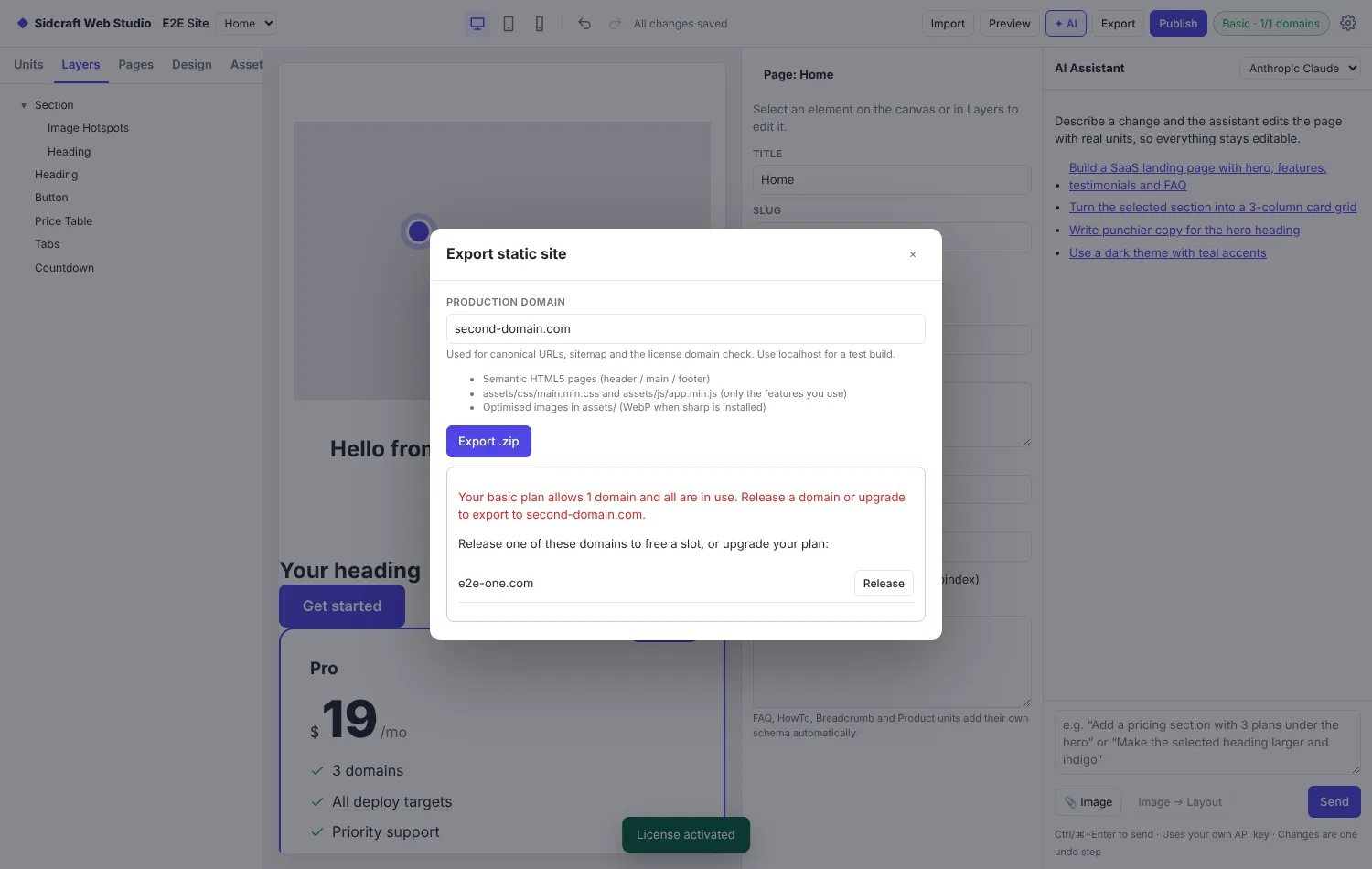
Each export is tied to a production domain. When your plan's limit is reached, release a domain right from the dialog.
Forms on a static site
The Form and Newsletter Signup units post to a static-friendly destination: a webhook, Formspree, a Cloudflare Worker, Netlify Forms, mailto, or your own endpoint, with reCAPTCHA v3, Cloudflare Turnstile or a custom captcha.
Advanced forms NEW
New in 2.6, adapted from WPForms and its add-ons for static sites:
Fields: name, address with location suggestions, password with strength check, date and time, number slider, rating, Likert scale, Net Promoter Score, signature, camera, rich text, payment items, totals, coupons and calculations.
Logic: conditional rules on every field ("topic = Sales and budget > 1000"), multi-step forms with a progress bar or step circles, and character limits.
Form types: Multi-step Form, Conversational Form, Lead Form, Survey, Poll, Order Form, Calculator Form, Signature Form and Form Page.
Extras: save and resume, offline forms, form abandonment, Form Locker (password, schedule, one entry per visitor, age gate), user journey, survey results, and a PayPal checkout link after submitting.
Send entries to Mailchimp, Kit, MailerLite, Brevo, HubSpot, Google Sheets, Zapier, Make, Getform or Basin, with no API key stored in the site.
Plain forms stay as light as before: the extra script loads only on forms that use these features.
Payments
The Payment Form works with PayPal Commerce Platform, Stripe, Authorize.net, Square, Braintree, Razorpay and Mollie. Secret keys live in a small serverless payments endpoint (Cloudflare Workers, Netlify, Vercel or Node), never in the published site. Fixed prices by SKU can be enforced on the server.
For simple sales, Buy Button and Product Card link to Stripe Payment Links, Lemon Squeezy, PayPal, Gumroad or Snipcart.
Run a sandbox payment with each processor you use before going live.