
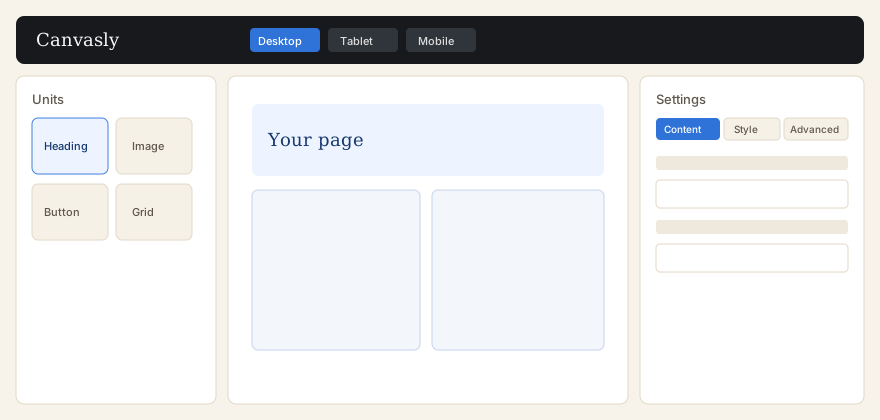
What you can do
- Open a page or post and choose Edit with Canvasly, or use the same link in the WordPress admin bar.
- Drag units such as Heading, Image, Button, Container, and Grid onto the page.
- Switch the canvas between desktop, tablet, and mobile. Extra sizes can be turned on under Design System.
- Save reusable templates, then place them with a shortcode, a WordPress block, a Canvasly Template unit, or a sidebar widget.
- With Canvasly Pro, design a header and footer, popups, shop layouts (when WooCommerce is installed), and payment buttons.
These pages describe Canvasly 0.12.76 and Canvasly Pro 0.6.3, as named in the plugin files. WordPress 6.9 or newer and PHP 7.4 or newer are required. The readme lists testing through WordPress 7.1.