Blog

News, tutorials and release notes for Canvasly Web Studio, Sidcraft and VidCellar.

Showing posts in Tutorials. Show all posts

· Canvasly Web Studio · Tutorials

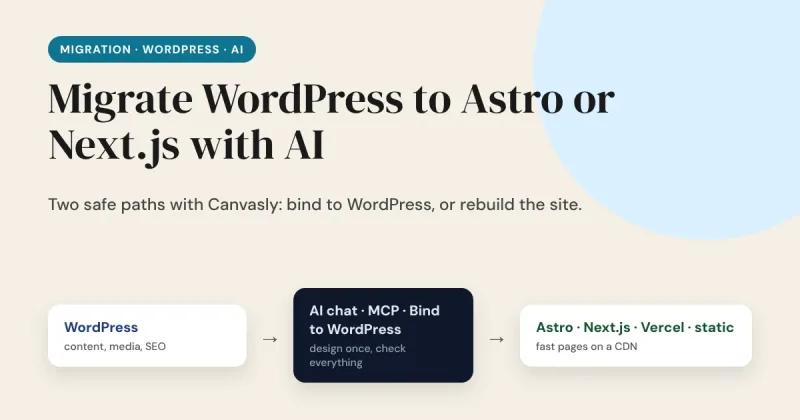
Migrate WordPress to Astro or Next.js With AI: Step by Step

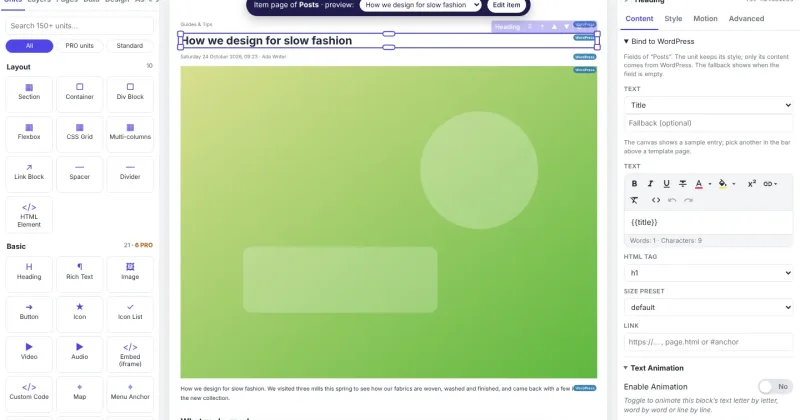
"I moved my WordPress site to Astro in a weekend with AI." You see a post like that on X every few days. Sometimes it is true. More often the weekend produced the home page, and the other 80 pages, the contact form, the redirects and the search rankings were still waiting on Monday. AI is genuinely useful for this job. It is not a magic button, and the posts that say so leave out the boring half. This guide shows how to migrate a WordPress site to Astro, Next.js, Vercel or plain static HTML using the Canvasly AI chat, the MCP server and Bind to WordPress, and where you still have to check the work yourself.

Read the post Migrate WordPress to Astro or Next.js With AI: Step by Step →
· Canvasly Web Studio · Tutorials

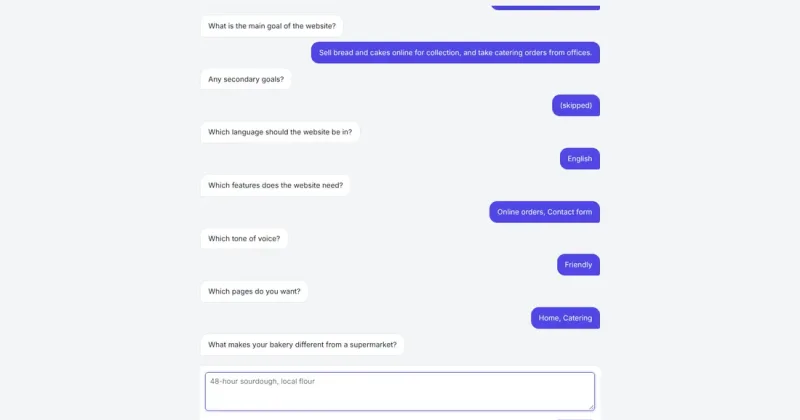
AI Site Planner: Plan a Whole Website from a Short Chat in Canvasly Web Studio

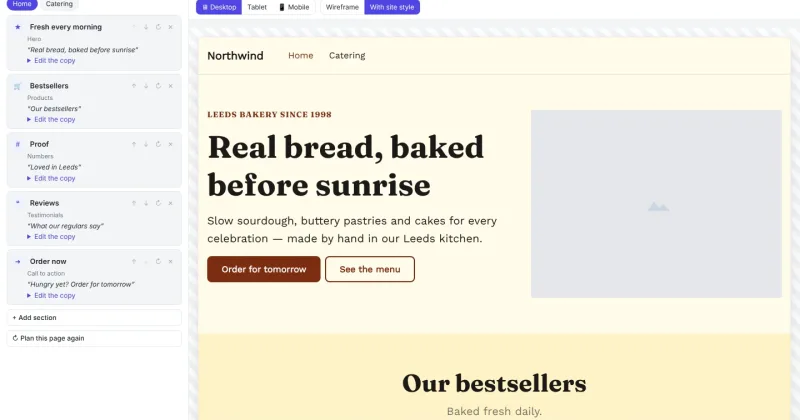
Planning a website usually takes days of meetings, sitemaps and mock-ups. The AI Site Planner in Canvasly Web Studio turns a short conversation into a complete first draft: a brief, a sitemap, wireframes with real copy and a site style. Then one click builds the website.

Read the post AI Site Planner: Plan a Whole Website from a Short Chat in Canvasly Web Studio →

· Canvasly Web Studio · Tutorials

How to Set Up Headless WordPress with Next.js or Astro in Canvasly Web Studio

Design in Canvasly. Edit in WordPress. Serve a fast website. This guide walks you through every step of a "headless WordPress" setup with Canvasly Web Studio. You don't need to write any code. If you can install a WordPress plugin and copy and paste a few values, you can do this.

Read the post How to Set Up Headless WordPress with Next.js or Astro in Canvasly Web Studio →