
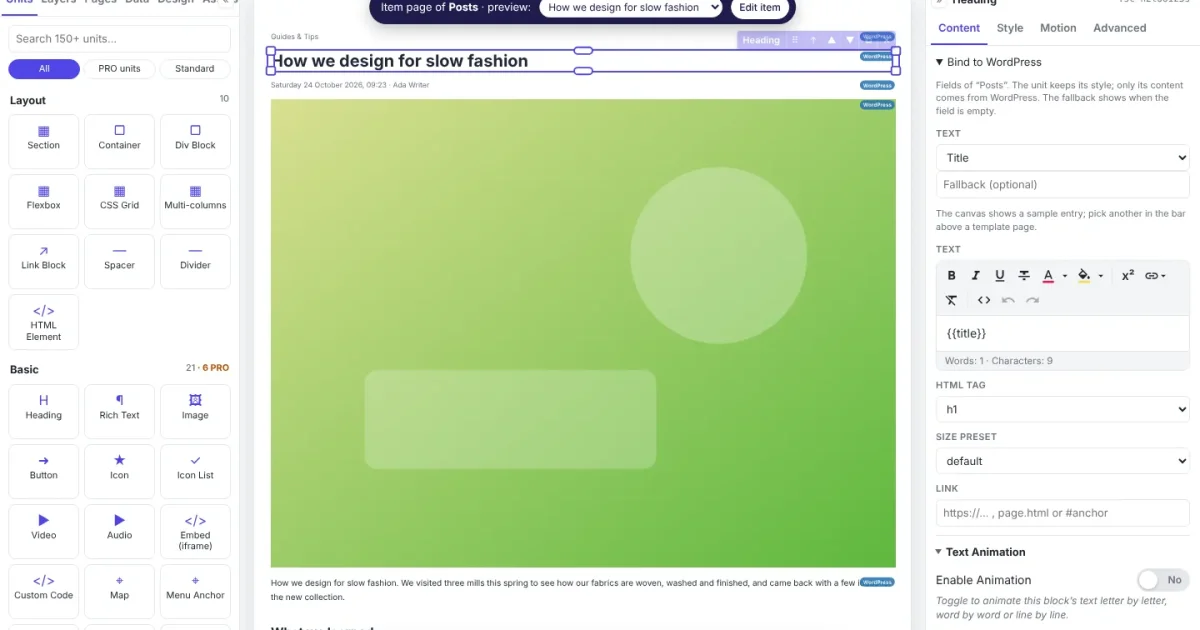
Short answer: yes, but not everywhere. Traditional WordPress page builders are losing ground in the wake of AI. The losses are concentrated at the simple end of the web: brochure sites, landing pages and small portfolios. Complex sites aren't leaving WordPress. They're leaving the builder-inside-the-admin model. That difference matters, and it's exactly the gap Canvasly Web Studio was built for.
What the numbers say
The figures below come from public trackers and industry write-ups from 2025 and 2026. Follow the links for the full data.
1. The simple sites are leaking to AI
- WordPress's overall share is slipping. According to W3Techs data cited by Crocoblock, WordPress went from a peak of 43.6% of all websites in early 2025 to 40.2% by September 2026.
- "No CMS" is the fastest-growing category. Blog Marketing Academy points out that the fastest-growing group of sites has no CMS detected at all. Brochure sites, event pages and small portfolios that once meant "WordPress + a drag-and-drop builder" are now produced as static sites by AI coding assistants and instant AI site builders (Raidboxes makes the same case).
2. WordPress itself is competing with its builders
- Elementor's slice is shrinking. Elementor is still the largest third-party builder, but figures compiled by Colorlib put its share of detected page-builder use at about 56% in 2024 and 43% in 2026.
- The Block Editor and AI are now in core. Gutenberg accounts for roughly 18% of page-builder use. With WordPress 7.0 (May 2026), an AI client and MCP (Model Context Protocol) adapters arrived in core, so AI agents such as Claude or ChatGPT can build block layouts without a heavy visual builder (Apex Digital, MemberPress).
3. The builders are adapting, but inside the same box
- Performance rewrites. Elementor V4 and Divi 5 dropped legacy shortcodes and trimmed their wrappers to compete with lean, AI-generated sites.
- AI inside the builder. Most builders now offer prompt-to-layout tools that write sections, CSS and copy inside wp-admin.
- Complex sites stay. Discussions such as this one on r/WordPress agree on one thing: memberships, WooCommerce stores, multi-author publications and sites with editorial teams aren't moving to a one-shot AI generator. They need a real backend.
The real problem was never "no AI"
Page builders answered AI by bolting it onto the same heavy model. AI-generated sites went the other way, and left teams with no visual editor and no CMS.
Why the old model is fading
Look closely at that third point. The builders' answer to AI was to add AI to the builder. But the trouble with page builders was never a missing chatbot. It was the architecture:
- The builder lives inside the admin and runs on the live site. Every visitor downloads the builder's framework CSS and JavaScript, wrapped around your content in layers of
<div>s. - Your design is locked to one platform. A layout made in a WordPress builder lives in that plugin's own format. Switch builders, or move to Next.js or Astro, and you rebuild from scratch. Even tools that export code, such as Webflow, drop the CMS, forms and shop logic on the way out.
- You don't control what loads. Getting rid of unused scripts, or tuning Core Web Vitals at the page level, means fighting the plugin.
Bolting AI onto that model gives you the same heavy page, produced faster. Meanwhile the AI-generated static sites that are winning the simple end come with their own catch: there's no visual editor and no CMS for your team, and the next change means another prompt.
Canvasly Web Studio: not a page builder with AI thrown in
Canvasly takes the page builder out of the admin area altogether, and gives AI a visual editor to work in.
- A desktop studio that compiles your design to WordPress, Next.js, Astro, EmDash, Payload, Grav, Railway or static HTML.
- Publish straight to Vercel, Netlify, GitHub Pages, FTP or SFTP. The editor never runs on your live site.
- A built-in MCP server: Claude, Cursor and other AI apps build inside a visual editor you control, and Ctrl+Z undoes their work.
A different architecture
Canvasly Web Studio was designed around a different idea: take the page builder out of the admin area altogether.
It's a desktop studio and compiler. You design visually on your own computer, with the same drag-and-drop canvas and units you'd expect. Instead of shipping a builder runtime to your visitors, Canvasly compiles your design into clean code for the platform you choose:
- a static website for any host;
- WordPress (pages or posts, plus a small plugin);
- React / Next.js and Astro projects;
- EmDash, Payload CMS and Grav CMS sites your team edits in that CMS;
- a Railway service, or a direct publish to Vercel, Netlify, GitHub Pages, FTP or SFTP.
The editor never runs on your live site. Your visitors only get the result.
MCP built in, for the platforms you actually use
Canvasly also runs its own MCP server (Settings → MCP server). AI apps such as Claude Code, Claude Desktop and Cursor can build inside Canvasly: read and edit projects, pages, styles and SEO; manage images, menus and components; import pages or whole websites; and set up checkout. Every change appears live in the open editor, and Ctrl+Z undoes the assistant's work.
That's the key difference from "AI in a builder". The AI works on one visual, platform-neutral design, and Canvasly turns that design into WordPress, Next.js, Astro, EmDash or a static site. You aren't locked into one platform's AI, and you aren't locked into one platform.
Two features no traditional builder has
Two things no traditional page builder can do:
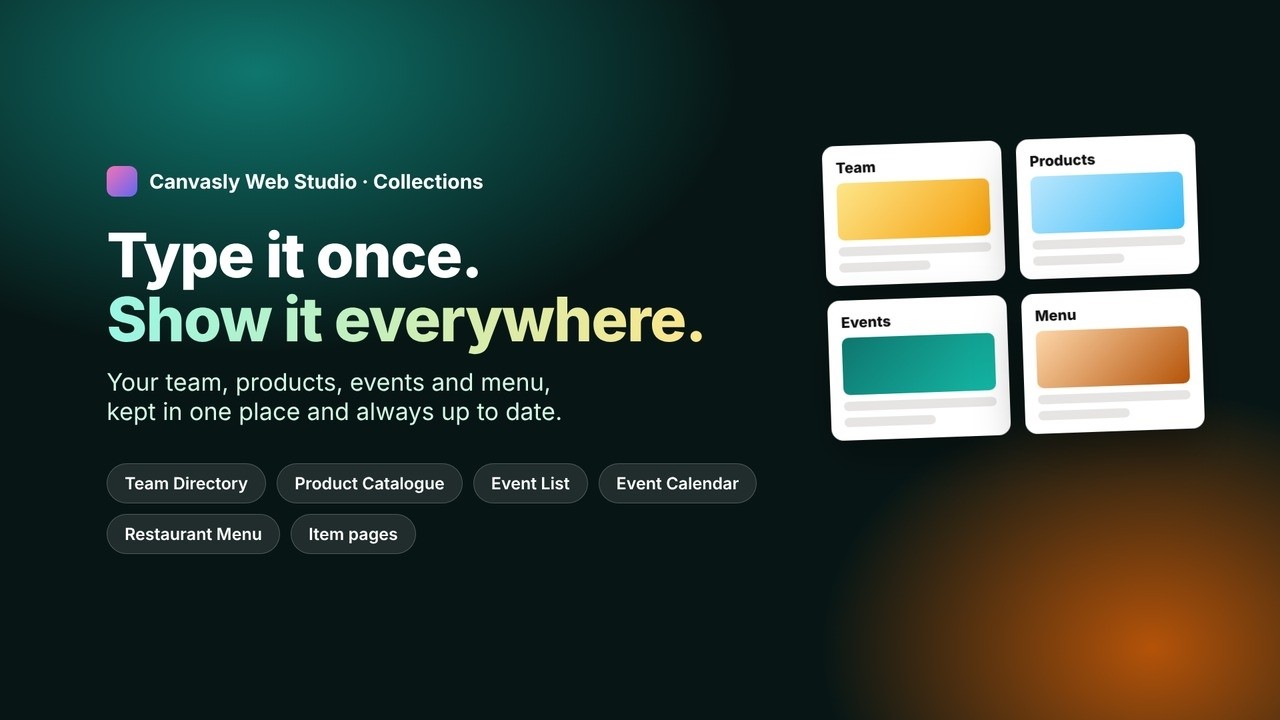
- Collection units: keep your team, products, events and menu once, and show them on any page, with an item page for each.
- Bind to WordPress: keep WordPress as the backend and serve a fast Next.js or Astro front end, with Query Loops, instant updates through the Headless Connector, and cart and checkout on your own site.
Only in Canvasly Web Studio
1. Collection units: content kept once, shown everywhere
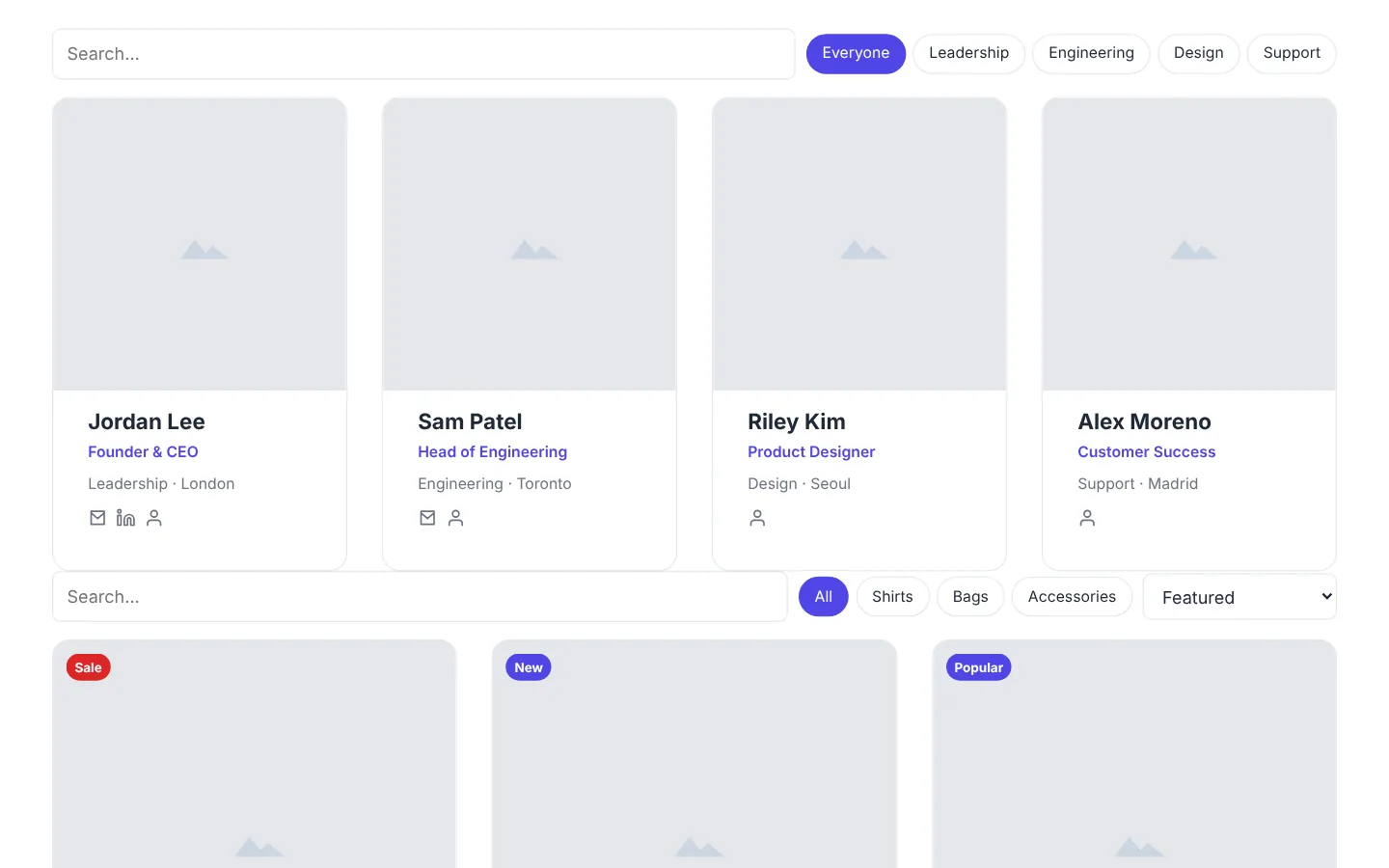
A typical WordPress site copies the same team members, products, events or menu items into page after page, and sooner or later one copy goes out of date. In Canvasly you keep them once, as collections, and show them with dedicated units:
- Team Directory, with search, department filters and "Add to contacts";
- Product Catalogue, with badges, sale prices, categories and a quick view where shoppers pick a size or colour;
- Event List and Event Calendar, with tickets, "Add to calendar", and past events hidden on their own;
- Restaurant Menu, with six styles, dietary filters and timed happy-hour prices.
Every item can have its own page, made from one template, with search-engine data built in. All of it compiles to plain, fast HTML, with no database and no plugins.
▶ Watch the 2-minute Collections demo (opens in a new tab)
2. Bind to WordPress: WordPress as the backend, Next.js or Astro as the front end
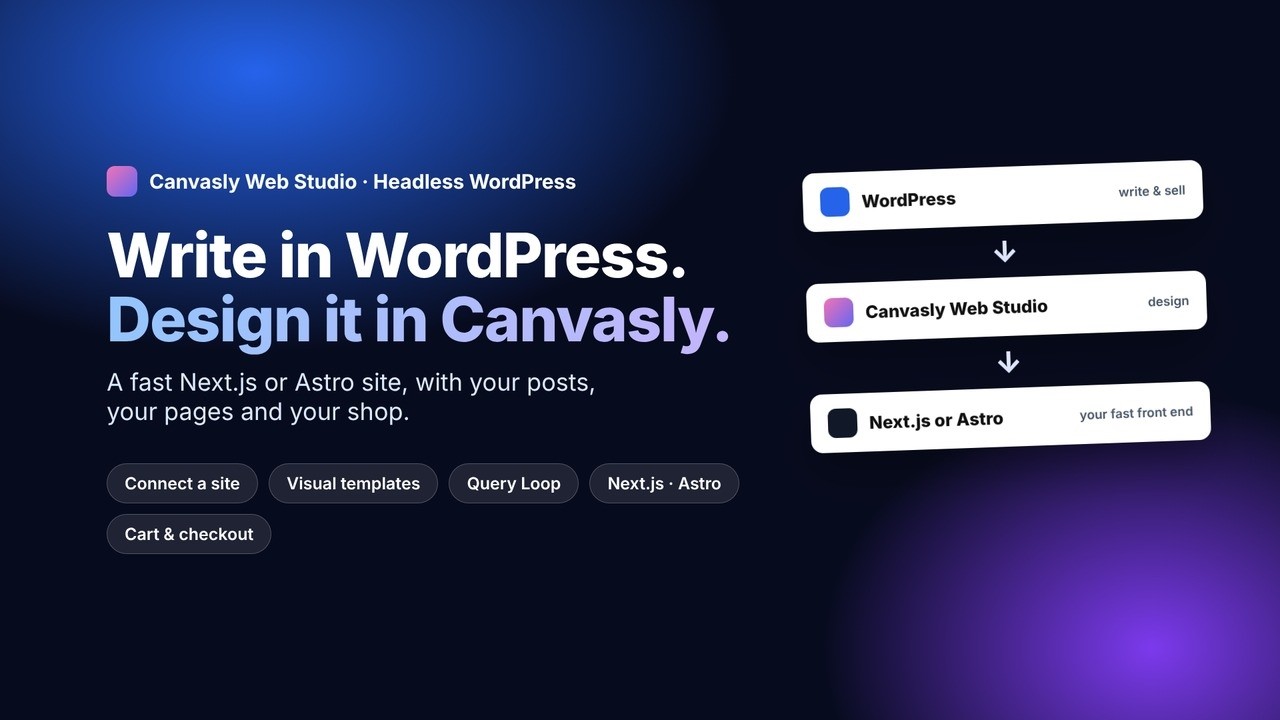
This is where Canvasly turns the "WordPress is losing market share" story on its head. You don't have to choose between WordPress and a fast, modern website. Keep WordPress for what it's good at, writing and selling, and serve the website from Next.js or Astro.
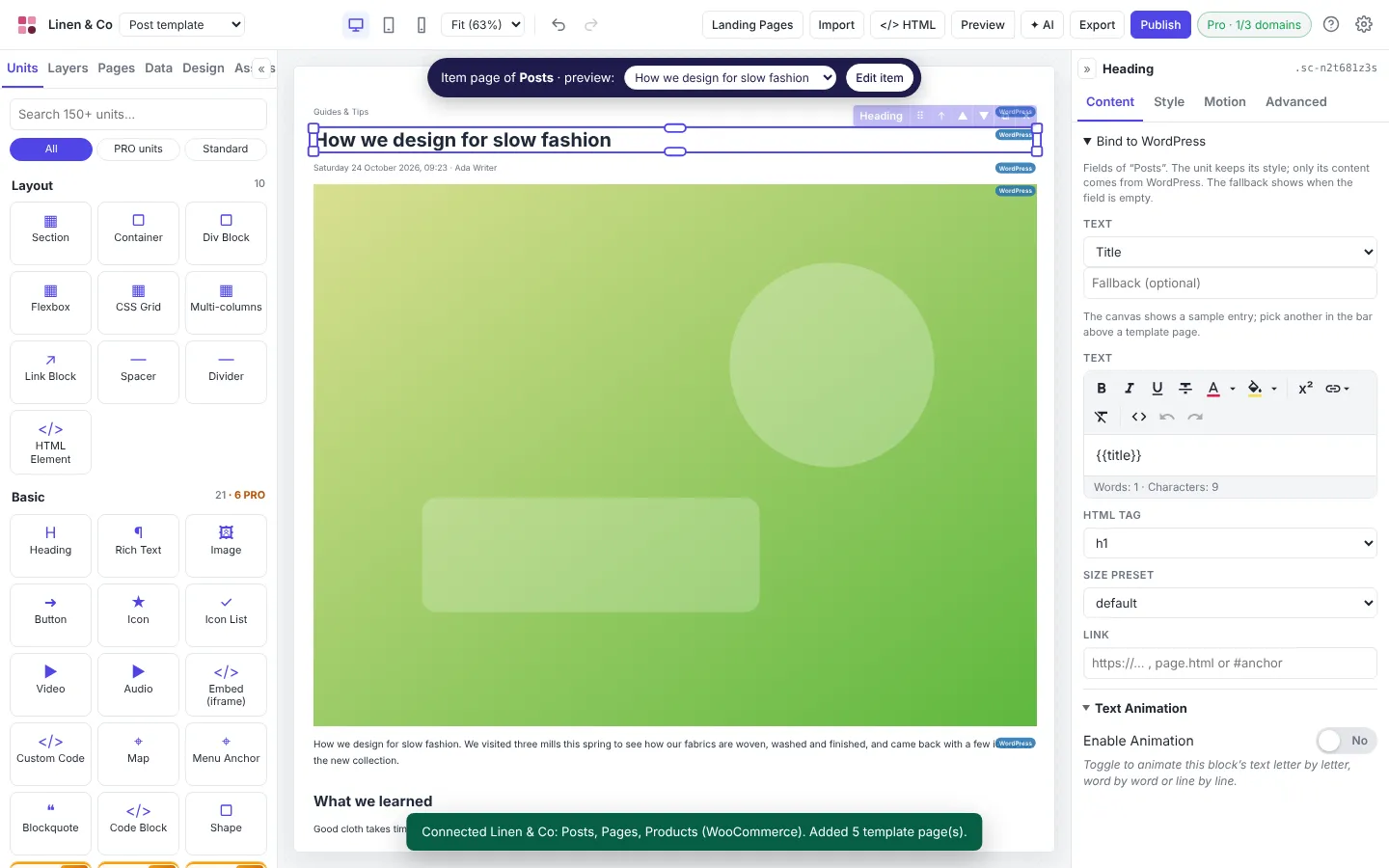
- Connect your WordPress site. Canvasly lists your posts, pages and WooCommerce products, with the address each one will get on the new site, and adds a post template, page template, blog page and shop.
- Bind units to WordPress. Select a heading, image or button and choose a field: title, excerpt, featured image, author, SEO fields, even custom fields, each with a fallback for when it's empty. Every unit keeps its design; only its content comes from WordPress.
- Design lists with the Query Loop. Design one post or product, and it repeats for every entry, with pagination, category and tag pages, prices, sale badges and stock.
- Export as Headless WordPress. Pick Next.js or Astro. Canvasly checks your WordPress site before it builds anything, and the free Canvasly Headless Connector plugin refreshes the website the moment you publish, update or delete a post. Drafts preview in your real design.
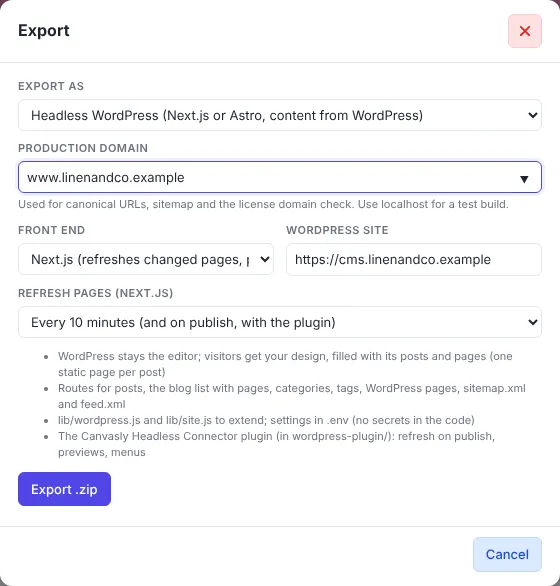
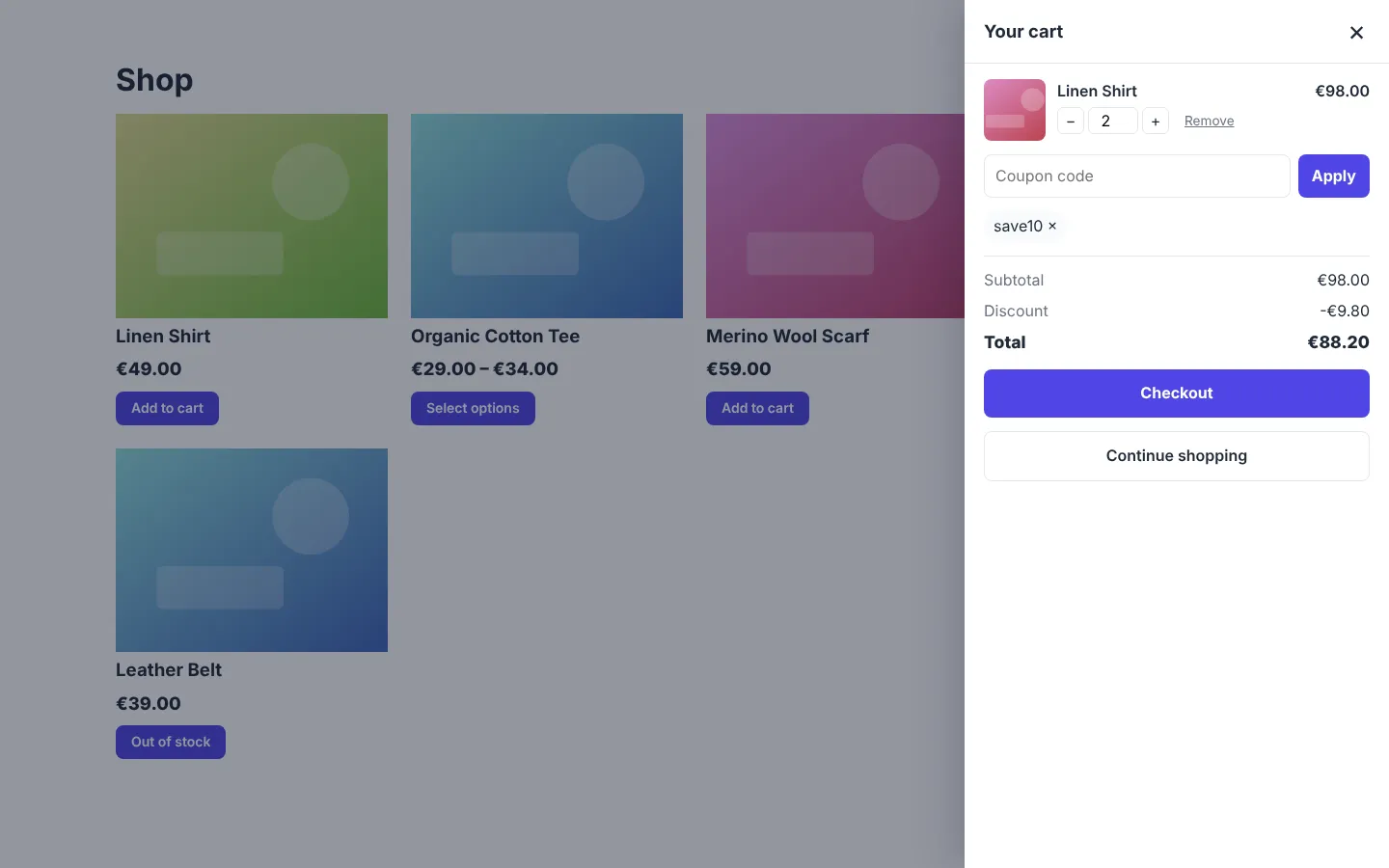
Shops come along too. With WooCommerce or Sidcraft Commerce, shoppers add to cart, choose options, apply coupons and check out on your fast front end. Card payments continue on your store's secure checkout with the same cart.
▶ Watch the Headless WordPress demo (opens in a new tab)
Your editors keep the WordPress they know. Your visitors get a fast, static front end with no builder plugin in sight.
How Canvasly fixes the three classic page-builder trade-offs
1. Clean, semantic code instead of framework bloat
- Semantic HTML5: header, main, footer and real headings, not shortcodes or nested builder wrappers.
- Only the JavaScript you use: Canvasly compiles one small
app.min.jscontaining only the interactive features your site actually uses. A site with no interactive units ships no JavaScript at all. - Only the CSS you use: one
main.min.css, with styles only for the units you placed. - The basics done for you: images converted to WebP, plus
sitemap.xml,robots.txtand structured data (JSON-LD).
2. Portability that keeps the CMS, forms and shop
- One design, many platforms: static HTML, WordPress, Next.js, Astro, EmDash, Payload, Grav or Railway.
- CMS editing survives the export: EmDash, Payload and Grav sites are edited in their own admin. On WordPress, pages are standard Custom HTML blocks, so your layout doesn't break if a plugin is switched off.
- Headless WordPress and commerce: posts, pages, WooCommerce and Sidcraft Commerce stay live over the REST API.
- Forms and payments on static sites: Stripe, PayPal, Square and others work through a small payments endpoint you host anywhere, not through a proprietary platform.
3. Real control over what loads
- No builder runtime on WordPress: the Canvasly full page template prints only the compiled page, so theme stylesheets and unrelated plugin scripts are left out.
- No unused features: a slider, multi-step form or calendar adds its code only if your site uses one. There's no all-in-one framework to switch off.
- You own the files: publish to Vercel, Netlify, GitHub Pages, FTP or SFTP, or open the Next.js or Astro project in your editor and fine-tune caching and edge rules yourself.
At a glance
| Traditional page builders | AI site generators | Canvasly Web Studio | |
|---|---|---|---|
| Where it runs | Inside wp-admin and on every live page | A one-off prompt | On your desktop; the live site gets only the compiled result |
| Code | Heavy wrappers; framework CSS and JS everywhere | Varies; usually no CMS | Semantic HTML; only the CSS and JS your site uses |
| AI | Prompt-to-layout inside one builder | The whole product | MCP server: Claude, Cursor and others build in a visual editor you control |
| Content your team edits | Yes, inside WordPress | Rarely | Collections, WordPress, EmDash, Payload or Grav |
| Portability | Locked to the plugin | Rebuild to change platform | WordPress, Next.js, Astro, EmDash, Payload, Grav, Railway, static |
| WordPress as a backend | No | No | Bind to WordPress + Next.js or Astro, with cart and checkout |
So, are page builders losing the market?
At the simple end, yes, and AI is the reason. But WordPress isn't dying, and neither is visual design. What's fading is the old model: a heavy builder living inside one admin area, shipping its framework to every visitor.
The future belongs to tools that let you design visually, work with AI, and publish to any platform: WordPress when your team needs it, Next.js or Astro when speed matters, EmDash or a static site when simplicity wins. That's the job Canvasly Web Studio was built for.
Try Canvasly Web Studio free for 7 days at canvasly.pro, and see what your next site looks like without a page builder underneath it.
Market figures are from the third-party sources linked above and reflect their published data at the time of writing.