Blog

News, tutorials and release notes for Canvasly Web Studio, Sidcraft and VidCellar.

Showing posts tagged “Astro”. Show all posts

· Canvasly Web Studio · Tutorials

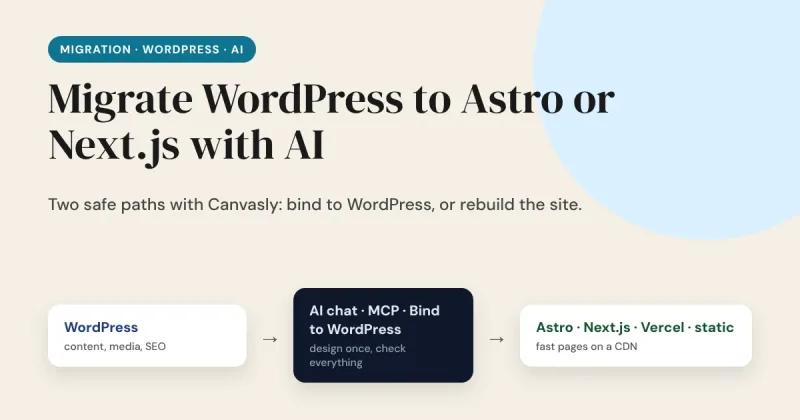
Migrate WordPress to Astro or Next.js With AI: Step by Step

"I moved my WordPress site to Astro in a weekend with AI." You see a post like that on X every few days. Sometimes it is true. More often the weekend produced the home page, and the other 80 pages, the contact form, the redirects and the search rankings were still waiting on Monday. AI is genuinely useful for this job. It is not a magic button, and the posts that say so leave out the boring half. This guide shows how to migrate a WordPress site to Astro, Next.js, Vercel or plain static HTML using the Canvasly AI chat, the MCP server and Bind to WordPress, and where you still have to check the work yourself.

Read the post Migrate WordPress to Astro or Next.js With AI: Step by Step →
· Canvasly Web Studio · Architecture

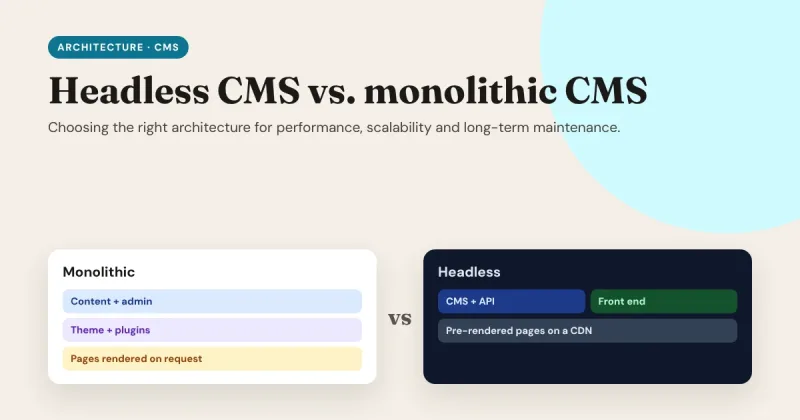
Headless CMS vs. Monolithic CMS: Choosing the Right Architecture for Performance, Scalability and Long-Term Maintenance

Every website runs on an architecture, whether you chose it or not. For most of the web's history, that meant a monolithic CMS: one system that stores your content, lets your team edit it, and builds the pages visitors see. A headless CMS splits those jobs apart: the CMS only manages content, and a separate front end turns it into a fast website. Neither is "better" in general. This guide helps you choose the right one for your site, and plan for the years after launch.

Read the post Headless CMS vs. Monolithic CMS: Choosing the Right Architecture for Performance, Scalability and Long-Term Maintenance →

· Canvasly Web Studio · Performance

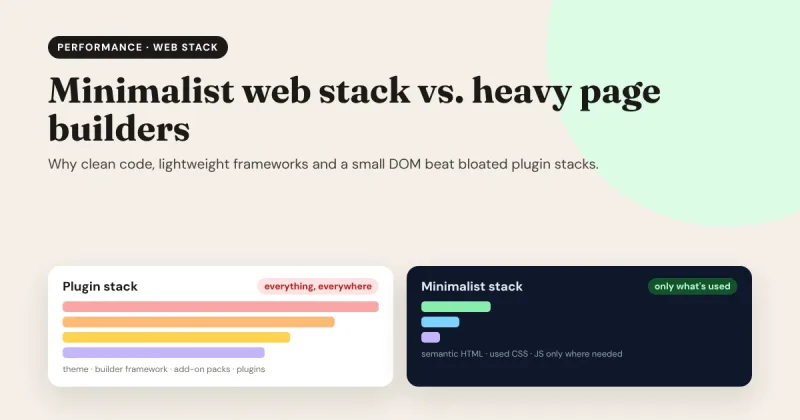
Minimalist Web Stack vs. Heavy Page Builders: Why Clean Code Wins

Every website is a promise to a visitor: "this will be worth the wait." The less they have to wait, the easier that promise is to keep. Heavy page builders made web design accessible to everyone, but they did it by sending visitors far more code than a page needs. A minimalist web stack flips that around: clean HTML, only the CSS and JavaScript a site actually uses, and a lightweight framework to deliver it. Here's why that wins, and how you can get it without giving up visual design.

Read the post Minimalist Web Stack vs. Heavy Page Builders: Why Clean Code Wins →

· Canvasly Web Studio · Opinion

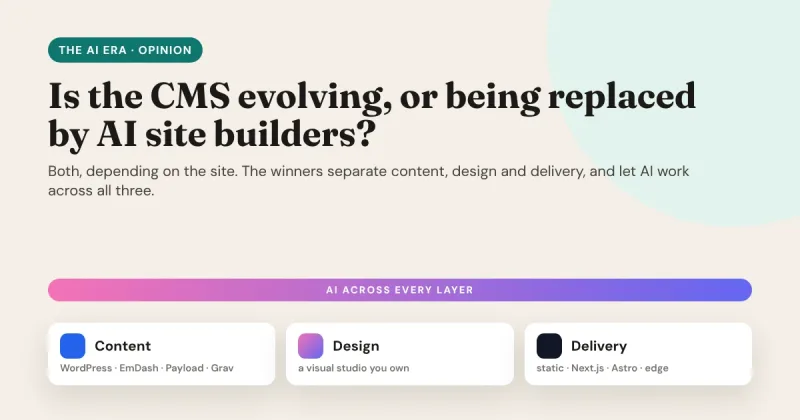
The Future of Web Development in the AI Era: Are CMS Platforms Evolving or Being Replaced by AI Site Builders?

AI can now turn a single sentence into a working website. So is the content management system (CMS) finished? Not quite. Some websites really are moving from a CMS to an AI builder. Most CMS platforms aren't disappearing, though; they're changing shape. The real shift is that the old all-in-one website is splitting into separate layers, and AI is learning to work across all of them.

Read the post The Future of Web Development in the AI Era: Are CMS Platforms Evolving or Being Replaced by AI Site Builders? →

· Canvasly Web Studio · Opinion

Are WordPress Page Builders Losing the Market After AI?

Short answer: yes, but not everywhere. Traditional WordPress page builders are losing ground in the wake of AI. The losses are concentrated at the simple end of the web: brochure sites, landing pages and small portfolios. Complex sites aren't leaving WordPress. They're leaving the builder-inside-the-admin model. That difference matters, and it's exactly the gap Canvasly Web Studio was built for.

Read the post Are WordPress Page Builders Losing the Market After AI? →

· Canvasly Web Studio · Tutorials

How to Set Up Headless WordPress with Next.js or Astro in Canvasly Web Studio

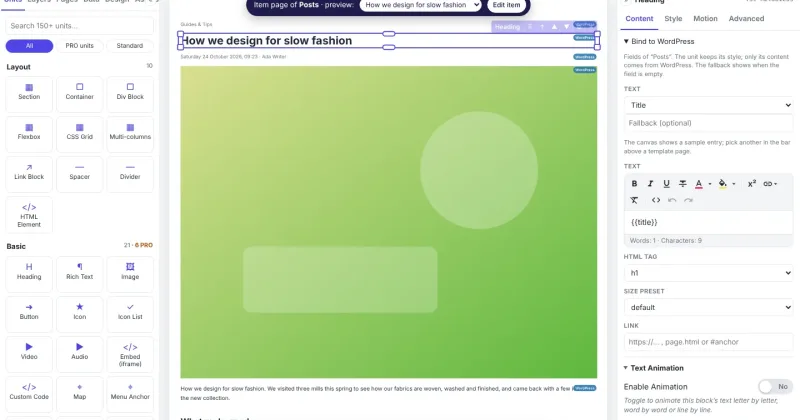
Design in Canvasly. Edit in WordPress. Serve a fast website. This guide walks you through every step of a "headless WordPress" setup with Canvasly Web Studio. You don't need to write any code. If you can install a WordPress plugin and copy and paste a few values, you can do this.

Read the post How to Set Up Headless WordPress with Next.js or Astro in Canvasly Web Studio →