AI can now turn a single sentence into a working website. So is the content management system (CMS) finished? Not quite. Some websites really are moving from a CMS to an AI builder. Most CMS platforms aren't disappearing, though; they're changing shape. The real shift is that the old all-in-one website is splitting into separate layers, and AI is learning to work across all of them.
The short answer
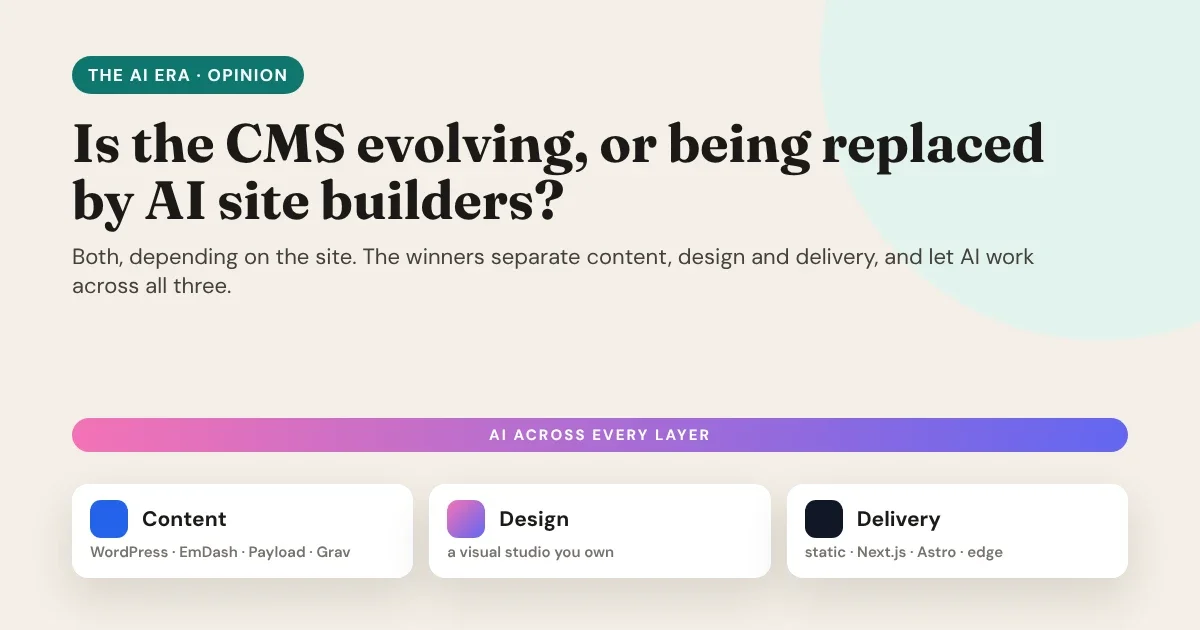
The CMS isn’t being replaced. It’s being unbundled: content, design and delivery are becoming separate layers, and AI is learning to work across all three.
The short answer
It depends on what the website has to do:
- One-off, simple sites (a landing page, an event page, a small portfolio) are moving to AI generators. For these, a full CMS was often more machinery than the job needed.
- Sites with content that changes (blogs, catalogues, documentation, shops, anything a team edits every week) still need a CMS. What's changing is how that CMS is used: more and more often it's the place where content lives, not the thing that draws the pages.
Three forces reshaping web development
1. AI generates the first draft
Layouts, copy, colour palettes and even code now appear in seconds. The blank page, once the slowest part of any web project, is mostly gone. That's real progress: a small business can see a credible website before lunch.
2. AI agents can now operate tools
The bigger change is quieter. Through standards such as the Model Context Protocol (MCP), AI assistants like Claude and Cursor don't just write text; they can work inside other software: create pages, change styles, upload images, publish content. CMS platforms and design tools are adding MCP connections so an assistant can do real work in them, under your control.
3. Delivery moved to the edge
Visitors expect pages that load instantly on a phone. Static pages and modern frameworks such as Astro and Next.js, served from global hosting like Vercel and Netlify, have made "fast by default" achievable. A heavy page assembled on every visit by a theme and a dozen plugins is harder to justify.
What AI site builders do well, and where they stop
AI site builders are excellent at starting. They're less good at the next two years of a website's life:
- Ownership. Many generators host the result on their own platform. Leaving often means starting again.
- A team that edits. Marketing, sales and editors need to change content without writing prompts, and without breaking the design.
- Consistency. Each new prompt can drift from the last: a slightly different button here, another heading style there. Six months later the site no longer feels like one brand.
- Content that repeats. Team members, products, events and menus appear on many pages. Typing them into every page, whether by hand or by prompt, means they'll go out of date.
- Real business logic. Memberships, carts, checkouts, multi-language content and editorial workflows need a proper backend.
AI site builders are brilliant at the first draft. A website’s real cost is the next two years: the edits, the new pages, the content that changes.
Where generators stop
How CMS platforms are evolving
The CMS isn't standing still. Across the market, three changes keep showing up:
- Headless by default. WordPress, Payload, EmDash and others deliver content through APIs, so any front end (Next.js, Astro, a mobile app) can use it. The CMS becomes the content layer.
- AI inside the admin. Writing help, summaries, translations, image descriptions and SEO suggestions are becoming standard editor features.
- MCP connections. Assistants can increasingly read and update CMS content directly, instead of humans copying and pasting between tools.
- Newer, lighter CMSs. Projects such as EmDash (built on Astro) and Payload (code-first, built on Next.js) are designed for the modern stack from day one.
In other words, the CMS is moving from "the place that makes your website" to "the place that keeps your content".
The new stack: content, design and delivery
Put those trends together and a new shape appears. Instead of one system doing everything, a modern website has three layers:
| Layer | Its job | Typical tools |
|---|---|---|
| Content | Where your team writes and sells | WordPress, WooCommerce, EmDash, Payload, Grav |
| Design | How every page looks and behaves | A visual design studio |
| Delivery | How visitors get the page, fast | Static hosting, Next.js, Astro, Vercel, Netlify |
AI works across all three: drafting content, proposing designs, and building and publishing pages through MCP.
The winning stack isn’t one platform. It’s three layers you can change independently:
- Content your team edits, in the CMS they know.
- Design you own, in a visual studio that AI can work in.
- Delivery that’s fast anywhere: static, Next.js, Astro or the edge.
The new web stack
The advantage of separating the layers is freedom. Change your CMS without redesigning. Change your design without migrating content. Move to faster hosting without touching either.
Where Canvasly Web Studio fits
Canvasly Web Studio was built for this three-layer world. It's the design layer: a desktop studio where you design visually, with AI as a collaborator, and then compile the result for the platform you choose.
AI that plans the site with you
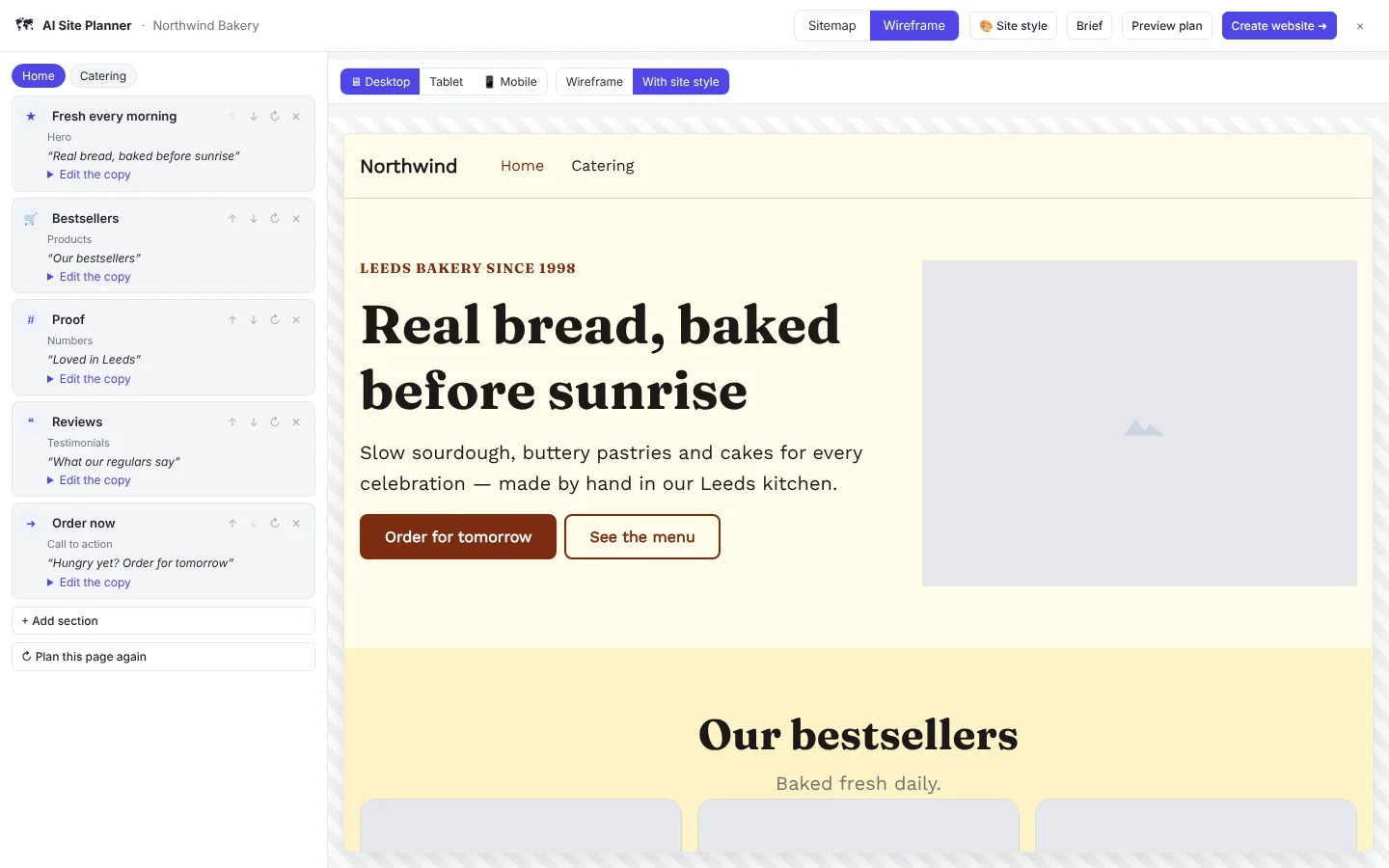
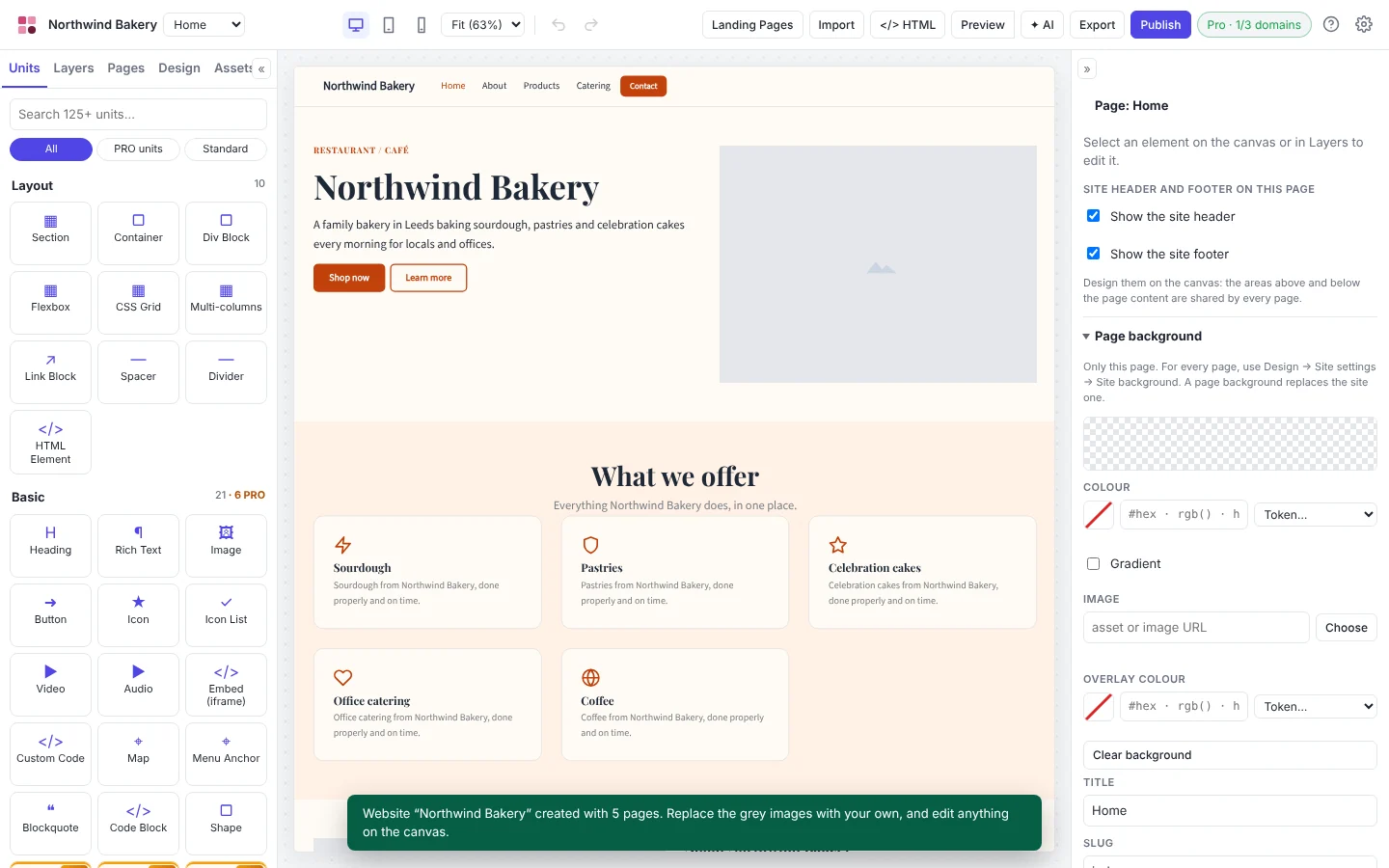
The AI Site Planner turns a short conversation into a brief, a sitemap, wireframes with real copy and a site style. One click then builds a real, editable website from native units. It's not a one-shot generator: every page stays under your control on the canvas.
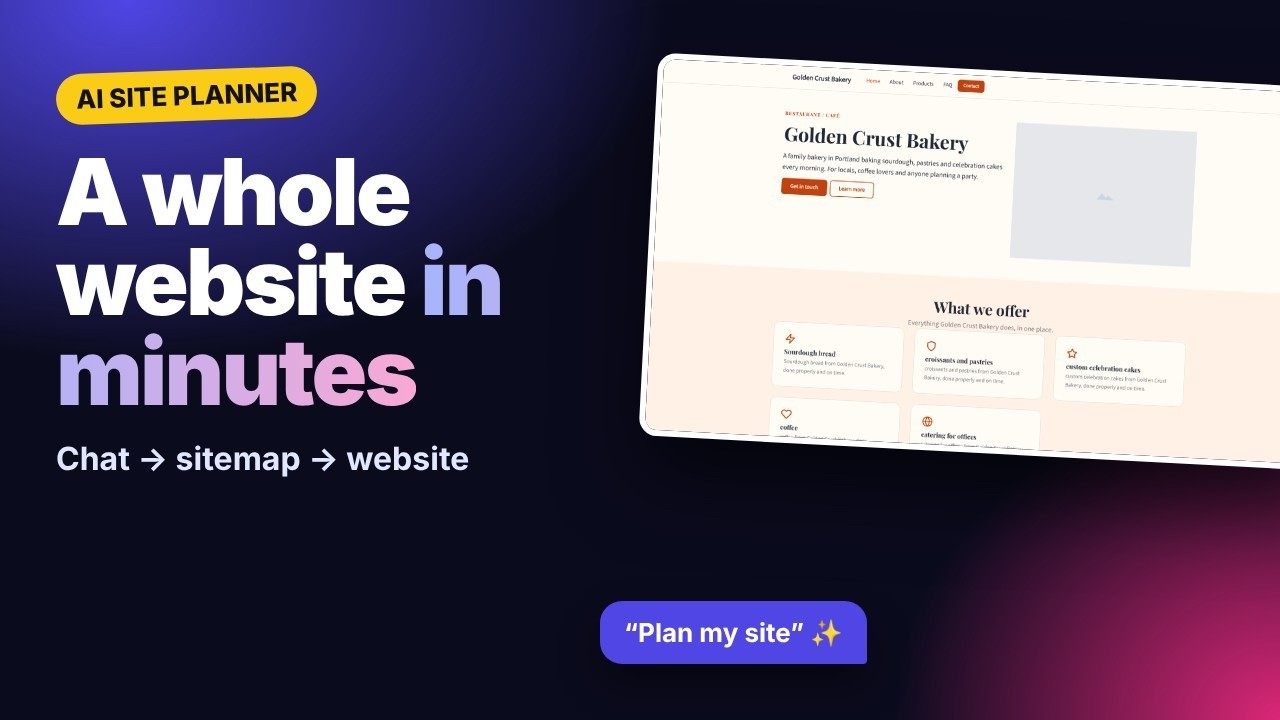
▶ Watch the AI Site Planner tutorial (opens in a new tab)
AI agents that build inside a visual editor
Canvasly's built-in MCP server lets Claude Code, Claude Desktop, Cursor and other AI apps build inside the studio: pages, styles, menus, images, components and checkout. Changes appear live on the canvas, and Ctrl+Z undoes the assistant's work. The AI does the heavy lifting; you keep the final say.
Content kept once, as collections
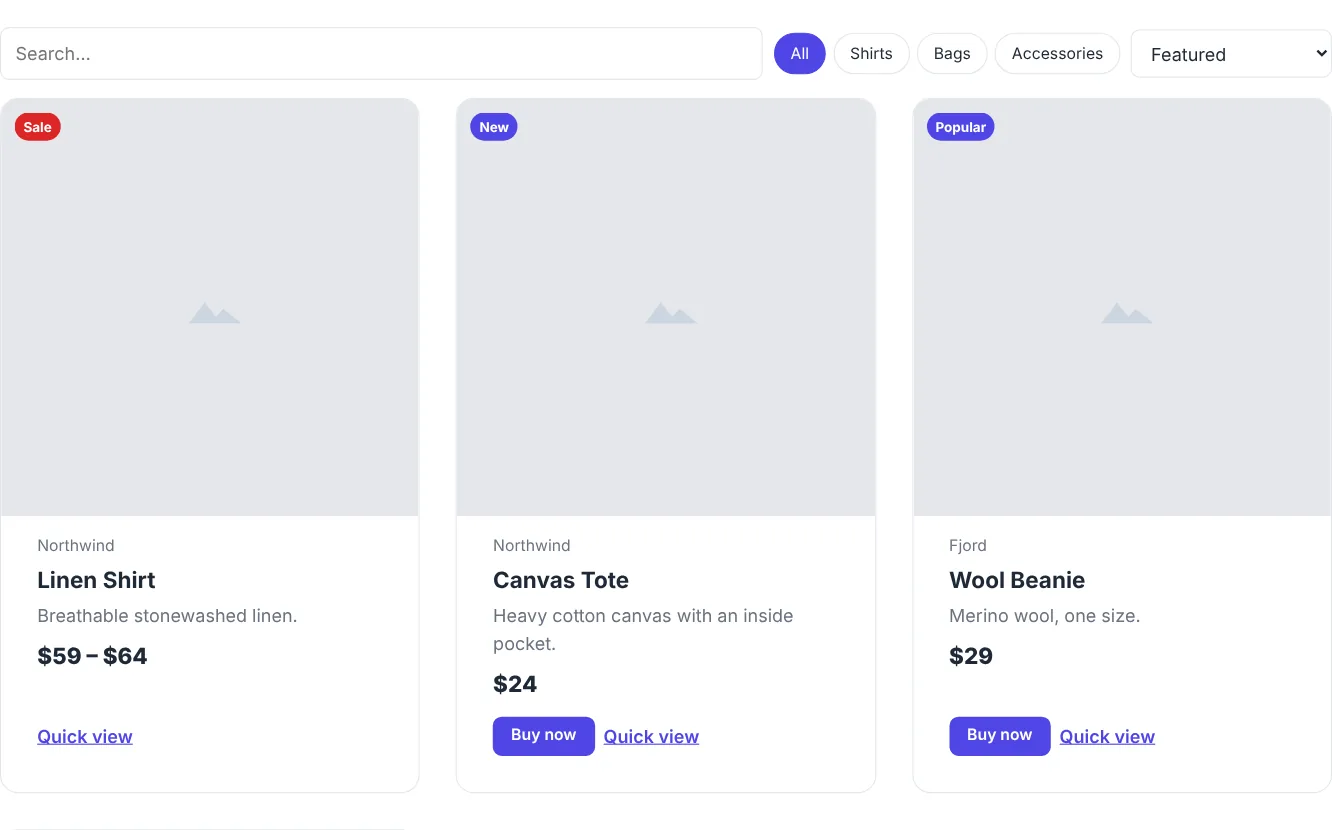
Collection units keep your team, products, events and restaurant menu in one place, and show them on any page, each with its own item page. Change a price once and every page follows, still exported as plain, fast HTML.
Your CMS as the content layer
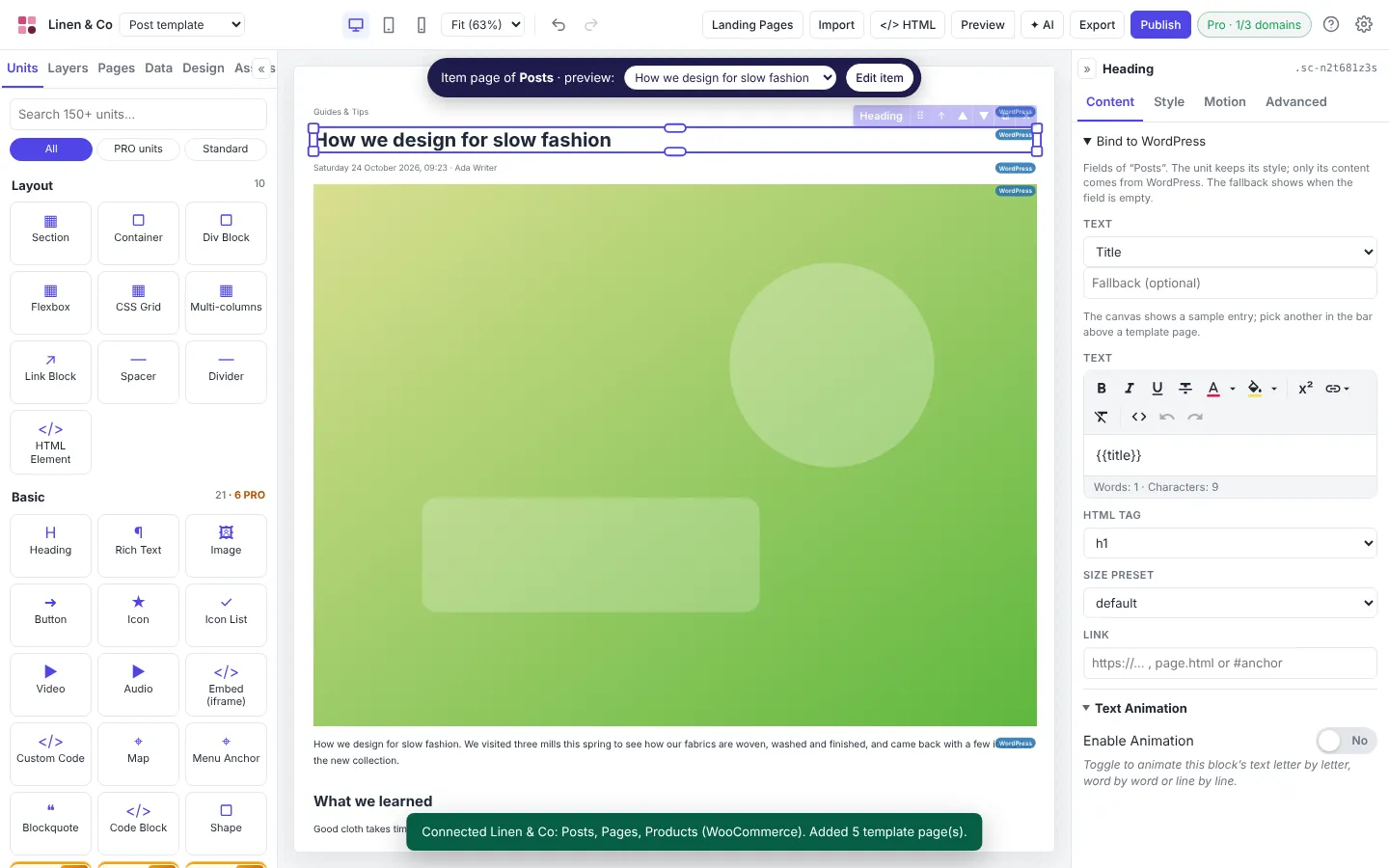
With Bind to WordPress, WordPress (and WooCommerce) becomes the content layer while visitors get a fast Next.js or Astro front end you designed in Canvasly. Bind headings, images and buttons to WordPress fields, design lists with the Query Loop, and let the free Canvasly Headless Connector refresh the site when you publish. Read the full walk-through in How to set up headless WordPress with Next.js or Astro.
Delivery to the platform you choose
One design compiles to a static site, WordPress, Next.js, Astro, EmDash, Payload, Grav or a Railway service, and publishes to Vercel, Netlify, GitHub Pages, FTP or SFTP. The code is clean, semantic HTML, with only the CSS and JavaScript your site actually uses.
What this means for you
If you run a business: an AI builder is fine for a quick landing page. For your main website, choose tools where you own the result, your team can edit content without prompts, and you can change platforms later without starting over.
If you're an agency or freelancer: your value moves from building pages by hand to planning, design systems and integration. Use AI to draft faster, then deliver a site your client can maintain, on the platform that suits them, not the one your builder forces.
If you're a developer: expect more projects built as content API + modern front end. Visual tools that produce clean, portable code (and that AI agents can operate through MCP) remove the repetitive work and leave you the interesting parts.
Five questions to ask before you choose a platform
- Who will edit the site next year, and how? Prompts, a visual editor, or a CMS admin?
- Can I take the site with me? Can I export working code, or am I renting it?
- What's the content that repeats? Is it stored once, or copied into every page?
- How fast is it on a phone? How much JavaScript does a simple page load?
- Can AI work on it safely? Can an assistant make changes I can review and undo?
Our view: what the next few years look like
This section is opinion, based on the direction the tools are moving.
- Simple sites become mostly AI-made. Expect the one-page website to become a commodity, much like the business card.
- The CMS survives as a content platform. Editors keep a familiar admin; the website itself is increasingly served by a separate, faster front end.
- AI agents become everyday collaborators. MCP-style connections let assistants work across the CMS, the design tool and the host, with people approving the changes.
- Portability becomes a buying criterion. Teams will prefer tools that compile to open platforms over closed builders, because the next platform change is always coming.
Conclusion
Traditional CMS platforms aren't being replaced wholesale; they're evolving into content backends. AI site builders are replacing the simplest sites, and they're great at first drafts. The future belongs to the space between them: visual design you own, content your team can edit, fast delivery anywhere, and AI working across all of it.
That's the space Canvasly Web Studio was built for. Try it free for 7 days at canvasly.pro.
Related reading: Are WordPress page builders losing the market after AI?