Blog

News, tutorials and release notes for Canvasly Web Studio, Sidcraft and VidCellar.

Showing posts tagged “Canvasly Web Studio”. Show all posts

· Suhaib Siddiqi · blog

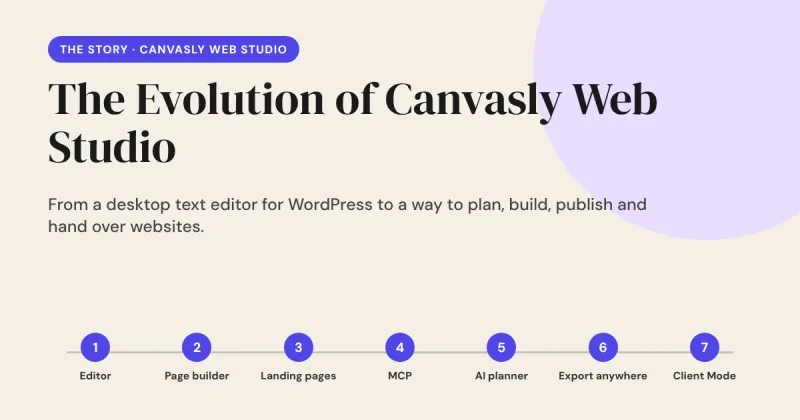
The Evolution of Canvasly Web Studio

Canvasly Web Studio did not start as a grand plan. It started as a small annoyance: I wanted to edit my WordPress pages without opening WordPress. Every feature since has come from the same place, a real problem I kept running into, solved one step at a time. This is that story, told in the order it happened.
Read the post The Evolution of Canvasly Web Studio →

· Canvasly Web Studio · Tutorials

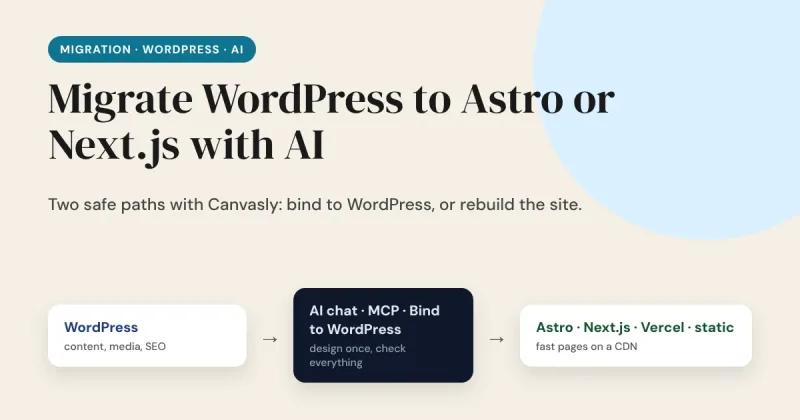
Migrate WordPress to Astro or Next.js With AI: Step by Step

"I moved my WordPress site to Astro in a weekend with AI." You see a post like that on X every few days. Sometimes it is true. More often the weekend produced the home page, and the other 80 pages, the contact form, the redirects and the search rankings were still waiting on Monday. AI is genuinely useful for this job. It is not a magic button, and the posts that say so leave out the boring half. This guide shows how to migrate a WordPress site to Astro, Next.js, Vercel or plain static HTML using the Canvasly AI chat, the MCP server and Bind to WordPress, and where you still have to check the work yourself.

Read the post Migrate WordPress to Astro or Next.js With AI: Step by Step →

· Canvasly Web Studio · Announcements

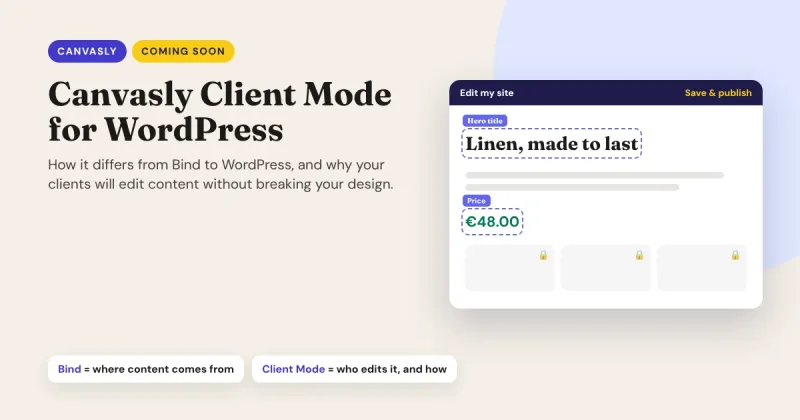
Coming Soon: Canvasly Client Mode for WordPress, and How It Differs from Bind to WordPress

Coming soon to Canvasly Web Studio: Client Mode for WordPress. It's a WordPress plugin that makes the sites you design in Canvasly client-proof. Your clients get a short, branded admin and change their text, photos and prices right on the page, while your design stays locked. The first question we hear is: "Doesn't Bind to WordPress already do that?" Not quite. They solve two different problems, and they work best together. Here is the difference.

Read the post Coming Soon: Canvasly Client Mode for WordPress, and How It Differs from Bind to WordPress →

· Canvasly Web Studio · AI

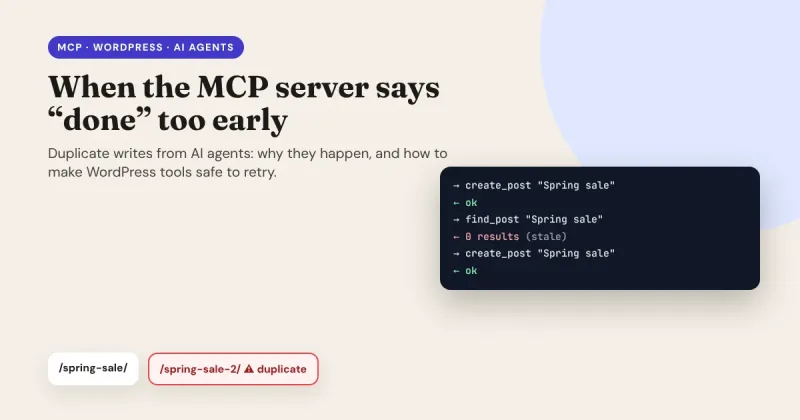
When the MCP Server Says "Done" Too Early: Preventing Duplicate Writes from AI Agents in WordPress

AI agents don't get tired, and they don't hesitate. That's what makes them useful, and it's also what makes them dangerous when a tool gives them the wrong signal. Ask an agent to create a post, give it a stale answer when it checks its work, and it will happily create the post again, as many times as it takes to "fix" a problem that never existed. This article started as a discussion on X about WordPress and the Model Context Protocol (MCP). It turned into a good, practical lesson about building tools that AI agents can safely retry.

Read the post When the MCP Server Says "Done" Too Early: Preventing Duplicate Writes from AI Agents in WordPress →

· Canvasly Web Studio · AI

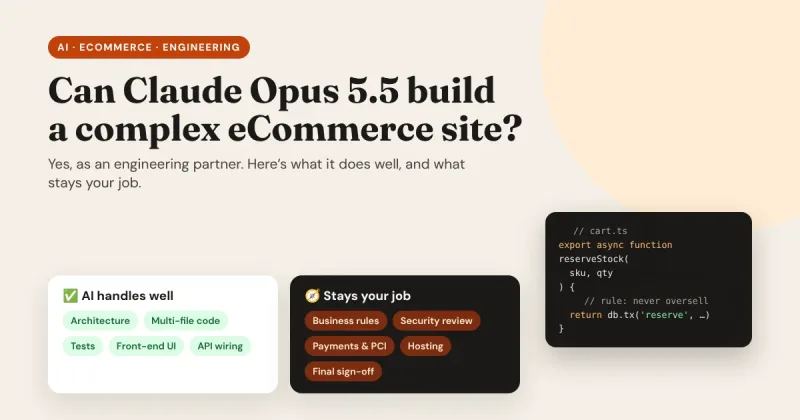
Can Claude Opus 5.5 Build a Complex eCommerce Website?

Yes: Claude Opus 5.5 can build the codebase for a complex eCommerce website. But it works as a high-level engineering partner, not as a "describe your shop and press Go" store generator. Used well, it can compress weeks of development into days. Used carelessly, it can produce a store that looks finished and fails the first time two customers buy the last item in stock at the same moment. This article explains what Opus 5.5 handles well, where its real limits are, and a practical workflow for building a store with it safely, including where Canvasly Web Studio fits in.

Read the post Can Claude Opus 5.5 Build a Complex eCommerce Website? →

· Canvasly Web Studio · Performance

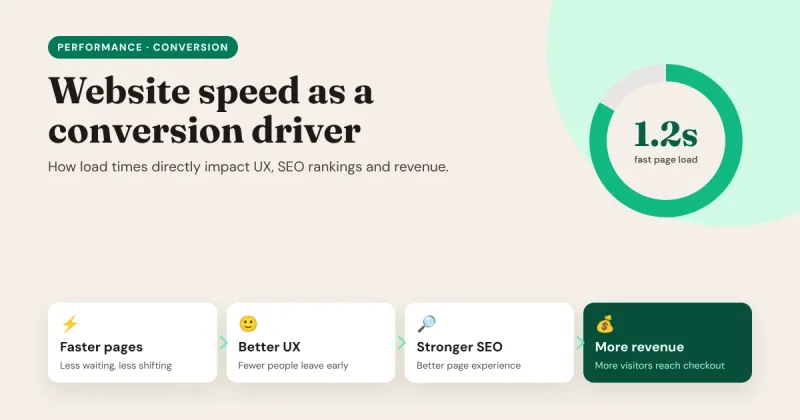
Website Speed as a Conversion Driver: How Load Times Directly Impact UX, SEO Rankings and Revenue

Every second a page takes to load is a second a visitor spends deciding whether to stay. Speed isn't a technical detail for developers to worry about after launch. It shapes the first impression of your brand, how Google sees your pages, and how many visitors make it to "Buy", "Book" or "Subscribe". In other words, speed is one of the few improvements that helps your user experience, your SEO and your revenue at the same time. This guide explains how load times affect each of these, how to measure your own site honestly, and what actually makes pages fast.

Read the post Website Speed as a Conversion Driver: How Load Times Directly Impact UX, SEO Rankings and Revenue →

· Canvasly Web Studio · Strategy

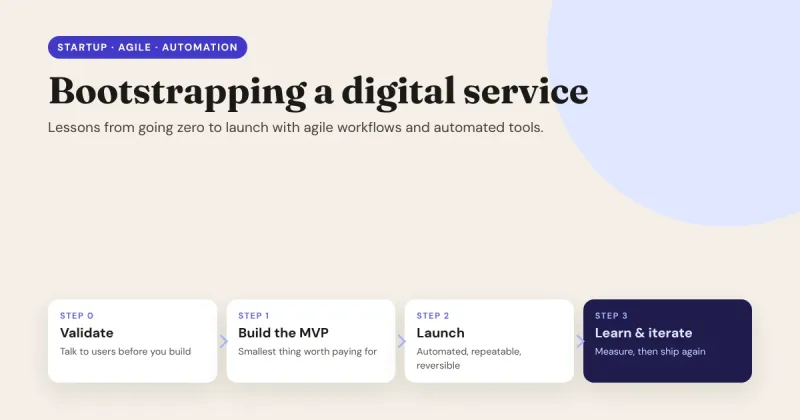
Bootstrapping a Digital Service: Lessons Learned Going from Zero to Launch with Agile Workflows and Automated Tools

Bootstrapping means building with the money, time and people you already have. No investors to fund a long runway, no team of specialists, no room for six months of building the wrong thing. That constraint is hard, but it's also an advantage: it forces you to learn fast, ship small and automate everything you'd otherwise have to do twice. This guide collects the lessons that matter most when you take a digital service, a SaaS product, an online course, an agency offer or a paid community, from an idea to a real launch.

Read the post Bootstrapping a Digital Service: Lessons Learned Going from Zero to Launch with Agile Workflows and Automated Tools →

· Canvasly Web Studio · Strategy

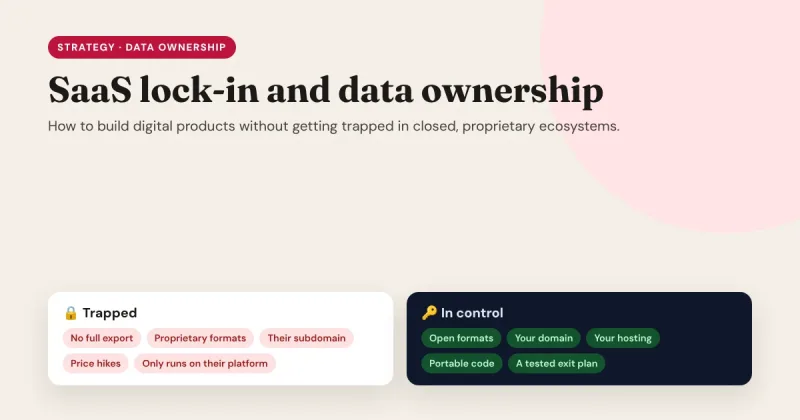
SaaS Vendor Lock-in & Data Ownership: How to Build Digital Products Without Getting Trapped in Closed Proprietary Ecosystems

Nobody signs up for lock-in. You sign up for a tool that saves you a week of work. Then you add your content, your customers, your design, your automations and your domain settings. A year later the price doubles, a feature you rely on disappears, or the company is acquired, and you discover that leaving would mean rebuilding everything. That is vendor lock-in: not a contract clause, but the cost of leaving, which quietly grows every month you stay. This guide explains where lock-in comes from, what it really costs, and how to build websites and digital products that use great services without being owned by them.

Read the post SaaS Vendor Lock-in & Data Ownership: How to Build Digital Products Without Getting Trapped in Closed Proprietary Ecosystems →

· Canvasly Web Studio · Architecture

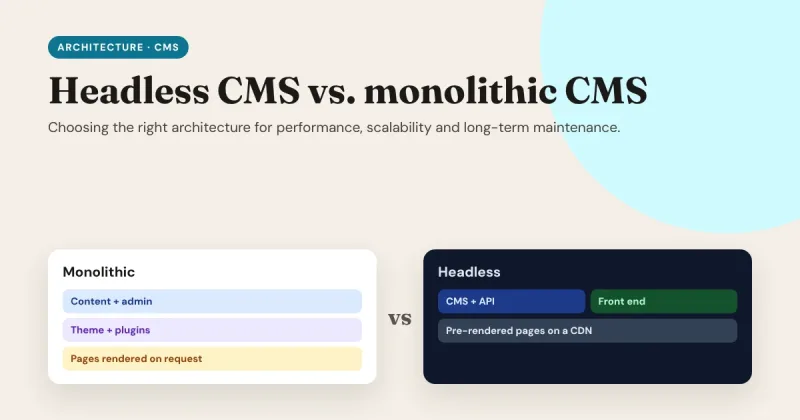
Headless CMS vs. Monolithic CMS: Choosing the Right Architecture for Performance, Scalability and Long-Term Maintenance

Every website runs on an architecture, whether you chose it or not. For most of the web's history, that meant a monolithic CMS: one system that stores your content, lets your team edit it, and builds the pages visitors see. A headless CMS splits those jobs apart: the CMS only manages content, and a separate front end turns it into a fast website. Neither is "better" in general. This guide helps you choose the right one for your site, and plan for the years after launch.

Read the post Headless CMS vs. Monolithic CMS: Choosing the Right Architecture for Performance, Scalability and Long-Term Maintenance →